

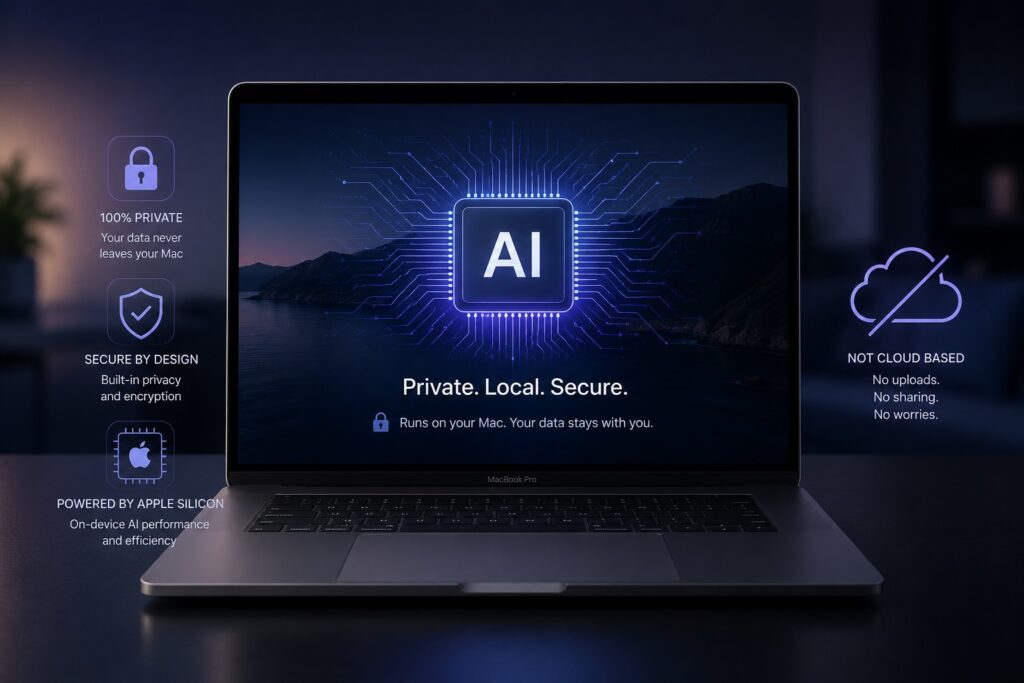
AI tools are everywhere, but most of them have a privacy problem. To use ChatGPT, Claude, Gemini, or any of the major cloud-based AI platforms, your data has to leave your device — uploaded to a third-party server, processed by infrastructure you don’t control, and often stored in environments your compliance team would never approve.
For a marketing agency drafting blog posts, that’s fine. For a healthcare nonprofit working with patient records, a law firm reviewing privileged communications, or a financial advisor handling client data, it’s a non-starter.
So a lot of organizations have done the only thing they can: opted out of AI entirely. They watch competitors get faster while they stay locked into manual workflows, because the rules around their data won’t let them touch the cloud.
There’s a better answer — and it’s been sitting in your laptop the whole time.
Watch: Local AI Running on a MacBook Air
We put together a short demonstration showing exactly how this works. The model runs entirely on the device. No internet connection. No cloud service. Just a MacBook Air, a privacy policy document, and a client intake form.
The full walkthrough — including cross-document analysis and policy compliance checks — is in our whitepaper, linked at the bottom of this post.
What “Local AI” Actually Means
Local AI means the model runs on your hardware, not on someone else’s server. When you ask it a question, the question and the answer never leave the machine.
This used to be a research project. Today, it’s a download. Apple’s silicon — the A-series chips in iPhone, iPad, and the new MacBook Neo, plus the M-series chips in MacBook Air, MacBook Pro, Mac Studio, and Mac Pro — runs both Apple’s own foundation model and a growing library of open-source models like LLaMA, Mistral, Qwen, and Gemma. The frameworks that make this possible (MLX, Ollama, llama.cpp) install in minutes.
If you have an Apple device made in the last few years, you can run private AI on it today.
Three Reasons This Matters
Privacy. When data never leaves the device, there’s nothing to intercept, leak, or subpoena. The privacy question is solved at the architecture level, not by reading a vendor’s terms of service and hoping for the best.
Speed. Performance scales with your hardware, not your network. An entry-level MacBook handles most knowledge-work tasks comfortably. A Mac Studio handles them faster. A cluster of Mac Studios approaches enterprise throughput. None of it depends on a cloud provider’s uptime, your office Wi-Fi, or whether the API you’re calling is having a bad day.
Energy efficiency. Cloud AI runs in datacenters that consume meaningful energy at scale, with significant cooling and transmission overhead. Local inference uses only the power your device was already drawing — no incremental datacenter load, no data in transit.
What We Tested
We ran a local model on a MacBook Air against three documents that look a lot like what a privacy-sensitive organization handles every day:
- A client intake form with medical history and personal information
- An internal operations report covering staffing and budget
- A data privacy policy defining what can and can’t be processed externally
Across four task categories — summarization, risk identification, cross-document policy analysis, and drafting — the local model delivered useful, accurate output. The most valuable capability was cross-document reasoning: comparing a client record against a policy document and producing a grounded, specific answer with citations. That’s the kind of work that normally takes a professional twenty minutes per case.
The full methodology and results are in the whitepaper.
Local Isn’t the Only Option — Hybrid Often Wins
The real takeaway from our testing isn’t that local AI replaces cloud AI. It’s that you don’t have to choose.
A hybrid approach lets you put each tool where it makes sense. Sensitive client data and internal records run through a local model on a Mac. Public-facing copy, generic research, and high-complexity tasks that benefit from frontier capability go to the cloud. The architecture decides what stays local based on the data, not on a habit.
For most of our clients — creative agencies, design firms, marketing companies, and the regulated industries we serve through compliance work — this is the model that fits. Use the right tool for the job. Keep what’s private private. Get the productivity benefits without the compliance headache.
Who This Is For
Local and hybrid AI is most useful for organizations where data sensitivity has been the reason they haven’t adopted AI yet. That includes healthcare practices and nonprofits, legal services, financial planning firms, government, education, and any business operating under HIPAA, FERPA, attorney-client privilege, or strict internal data governance.
If your team has been told “we can’t use AI because of compliance,” that answer is no longer accurate. The technology has moved.
Get the Full Whitepaper
We documented the testing methodology, results across all four task categories, the hybrid architecture pattern, and a sector-by-sector relevance breakdown in a five-page whitepaper.