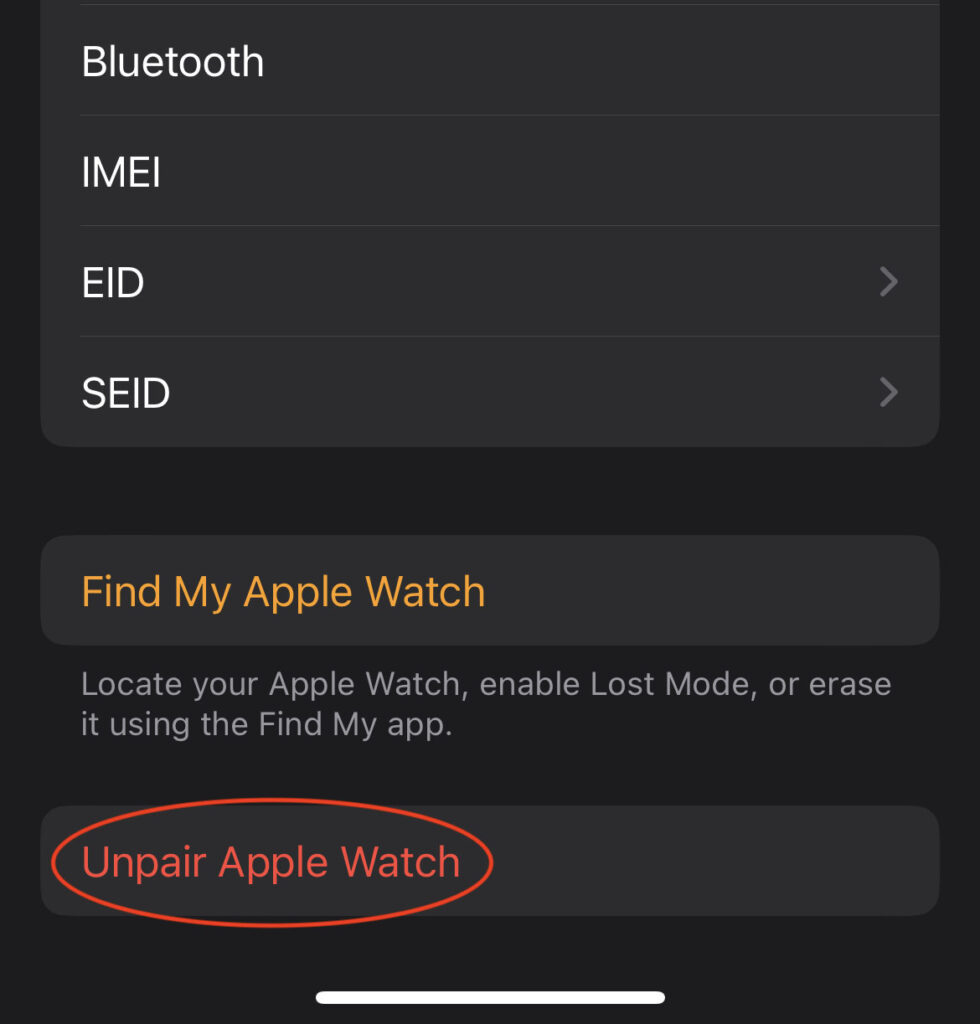

Head over to iCloud.com on a different device than the one you are going to turn Find My off of.
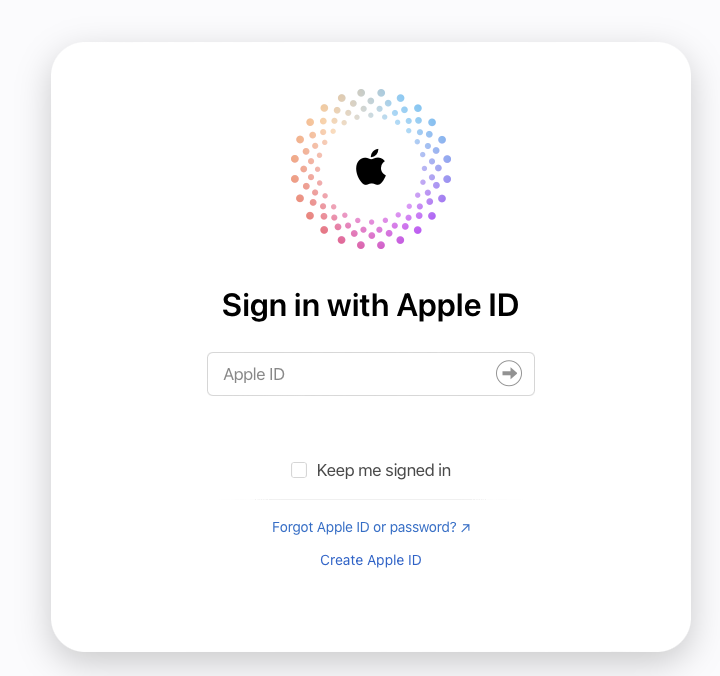
Sign in with your Apple ID. If you’ve forgotten your Apple ID, you can look it up on your mobile device or reset your password here.
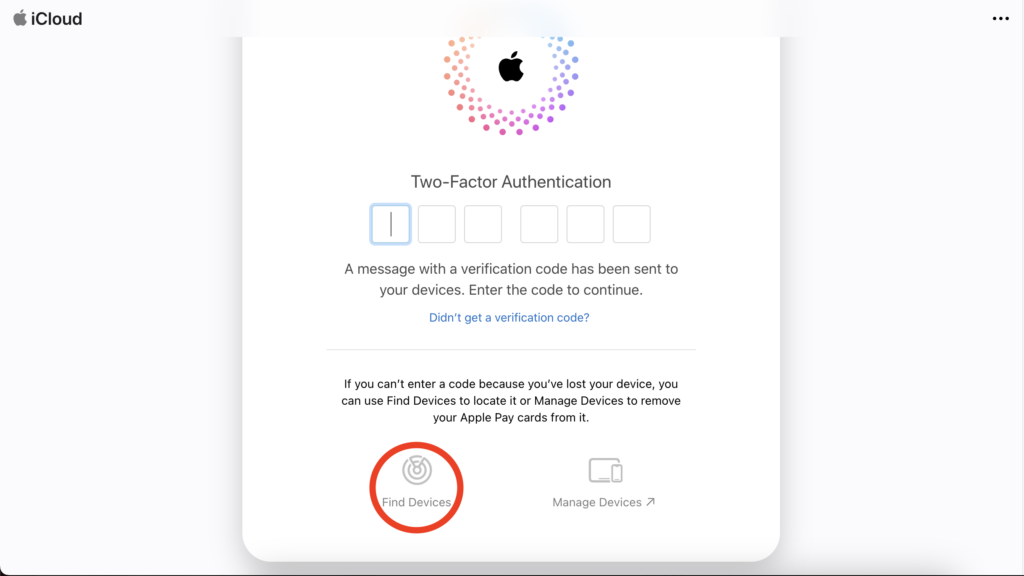
Once signed in, you can bypass the 2-factor prompt and click on “Find Device.”
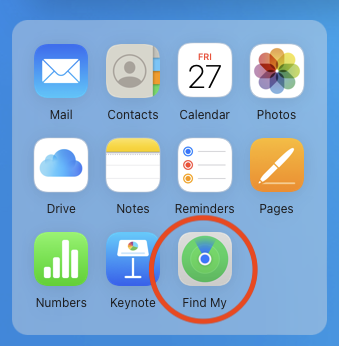
Click on the Find My icon.
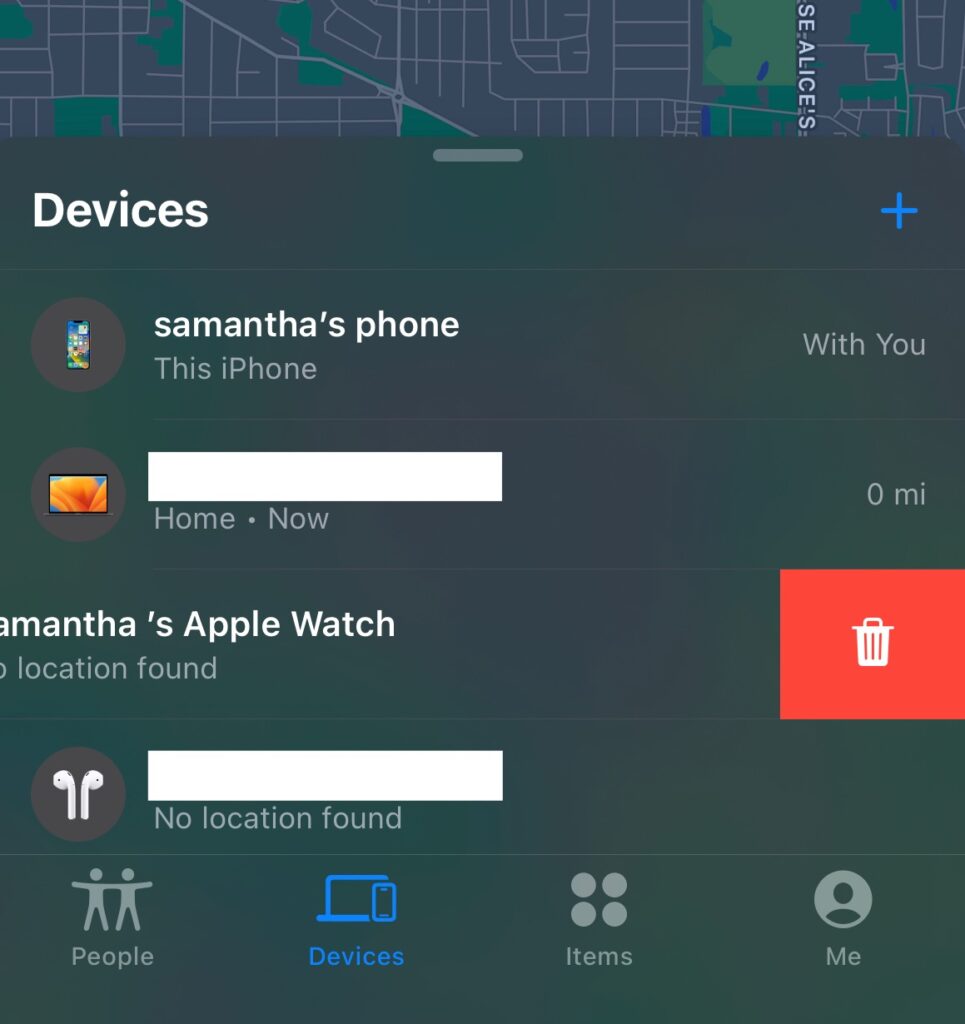
Click on the drop-down menu and choose the device you wish to disable “Find My” from. NOTE: The device must be off in order to remove it from “Find My”.
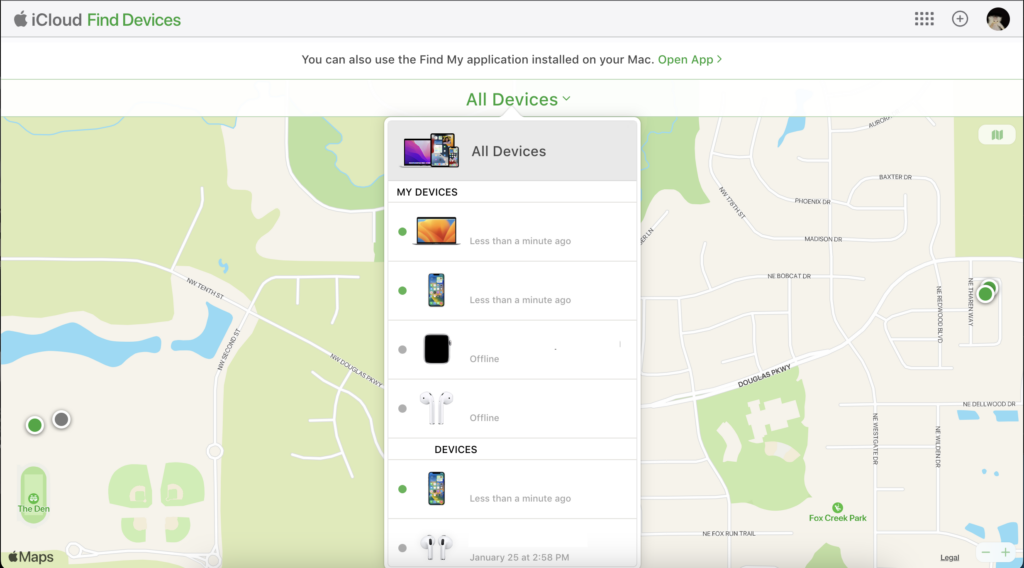
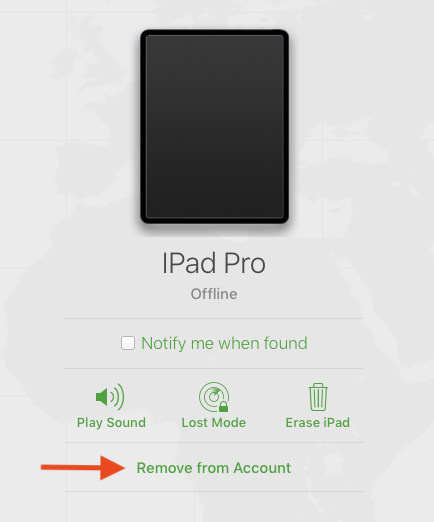
Click “Remove from Account.” This will disable “Find My” from that device. DO NOT erase the device.